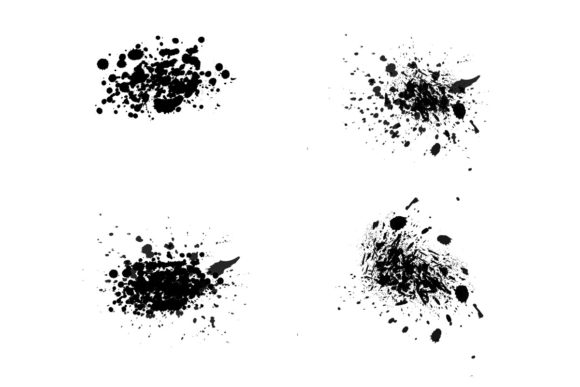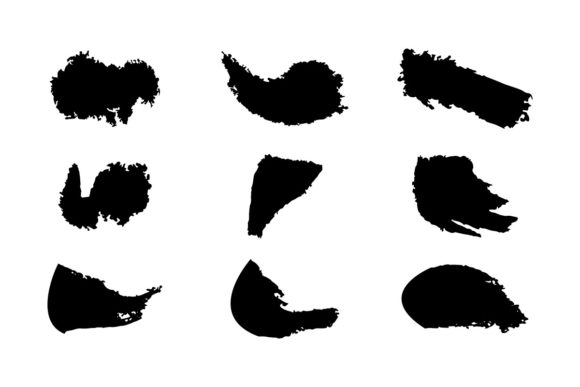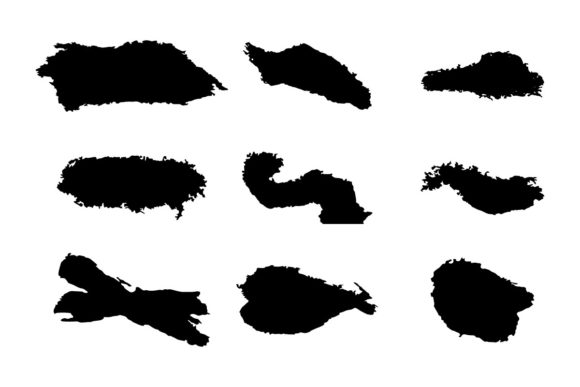
8 Tattered Paper Illustrator Brushes: Instant Texture & Authenticity
There’s a certain magic to the imperfect edge of a piece of paper. It tells a story—of a note passed in class, a treasure map discovered in an attic, or a vintage label on a jar of homemade jam. As designers, we often chase that raw, tactile feeling to give our digital work a sense of history and humanity. This is precisely where the 8 Tattered Paper Illustrator Brushes become an indispensable part of your creative toolkit. These aren't just random strokes; they are carefully crafted Adobe Illustrator brushes designed to replicate the authentic, ragged edges of torn paper, giving you an effortless way to inject warmth, texture, and a handcrafted vibe into any project.
Unleashing Creative Potential: More Than Just a Brush
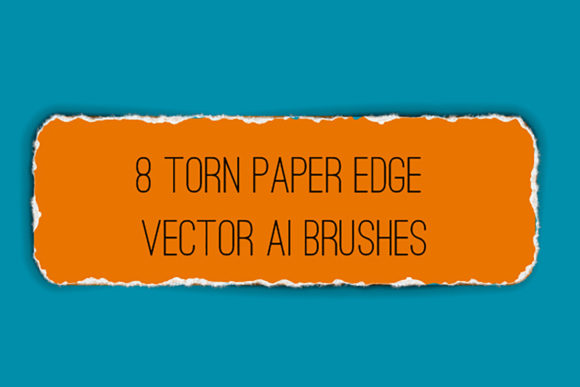
Think of these brushes as your secret weapon for instant decoration and visual storytelling. At their core, they provide a vector pattern brush that creates an endless, seamless railing of a tattered paper edge. But the applications are far more versatile. With a few clicks, you can transform a simple path into a paper banner for a website header, a vintage badge for a logo, or a decorative frame for a social media graphic. The inclusion of versions with and without transparent shadows adds a layer of depth, allowing you to simulate light and dimension realistically.
The true power lies in their flexibility. Because they are vector brushes, you maintain complete control. You can easily change the color, size, or thickness of the torn edge to match your brand's palette or the scale of your artwork. This adaptability makes them perfect for a wide range of design assets. Imagine creating a set of cohesive packaging design elements where every label has a consistently worn look, or designing editorial design layouts for a magazine feature on vintage crafts. The brushes allow you to build a unified visual language that feels intentional and professional, not just randomly distressed.
Where These Brushes Shine: Practical Applications
Let's talk about real-world use. For the entrepreneur or small business owner crafting a brand identity, these brushes are gold. They can be used to create unique logo design elements—think of a cafe logo where the name sits on a torn paper scroll, instantly conveying a cozy, artisanal feel. In web design, they can be used to create engaging content blocks, section dividers, or download buttons that stand out from the sterile, perfect lines of modern interfaces. The result is increased audience engagement because the design feels approachable and memorable.
For marketers and content creators, the applications are equally powerful. Social media graphics thrive on stopping power. A promotional post for a book sale or a workshop announcement framed with a tattered paper edge immediately captures attention in a crowded feed. It adds a layer of visual hierarchy, making your call-to-action feel more urgent and tangible. In publishing, these brushes can enhance editorial design by creating pull quotes that look like they were ripped from the page, or by designing chapter headers that evoke a classic, storybook quality. This contributes to a stronger brand perception, positioning a publisher as one that values craft and detail.
A Designer's Guide to Using the Kit
When you download this premium font asset—which is a collection of brushes, not a traditional typeface—you get more than just the brushes. The included PDF help file with screenshots is a thoughtful touch, especially for those new to working with Illustrator brushes. It walks you through installation and basic usage, ensuring you can get started quickly. Furthermore, the kit includes the original Ai Illustrator 10 and EPS 10 files. This is a significant benefit for professional designers; it means you can open the source files in your own version of Illustrator and even deconstruct or modify the brushes to create entirely new variations tailored to a specific project.
Compatibility is key, and these brushes are built for modern workflows. They are compatible with Illustrator CS6 and above, covering the vast majority of professional environments. When evaluating fit for a project, consider the overall aesthetic. These brushes excel in designs that aim for a handmade, vintage, rustic, or eclectic style. They pair beautifully with a range of fonts. For a rustic brand, try pairing a tattered paper banner with a sturdy serif font or a classic slab serif. For a more whimsical, craft-oriented project, they can complement a handwritten font or a flowing script font. The key is to test the font pairing to ensure the textures don't overwhelm the legibility of your text.
Always test your artwork at the final output size. What looks like charming texture on screen might need slight adjustment for print to avoid looking blurry. Since they are vectors, scaling is not an issue, but visual density is. A good practice is to use these brushes as accent elements rather than the primary focus. They should support your message, not compete with it. The goal is to enhance readability and visual interest, not to create visual noise. By using them strategically on borders, backgrounds, or standalone graphic elements, you ensure they add to the project's professionalism and consistency.
Ultimately, the 8 Tattered Paper Illustrator Brushes are a versatile set of creative design assets. They solve a common design challenge—adding authentic texture—with elegance and efficiency. Whether you're a hobbyist scrapbooking digitally, a blogger enhancing your website, or a design agency working on client packaging design, they offer a quick path to creating designs that feel rich, layered, and genuinely engaging. They remind us that sometimes, the most compelling designs aren't perfectly polished; they're thoughtfully imperfect.